Menu

How to Plan Your Week in Notion (A Simple Setup for Busy Moms)
Weekly Planning in Notion
You’ve tried the paper planner. The planning app. The sticky notes on the fridge, the notes app on your phone, and the calendar that only you ever look at. You need to plan your week in Notion.
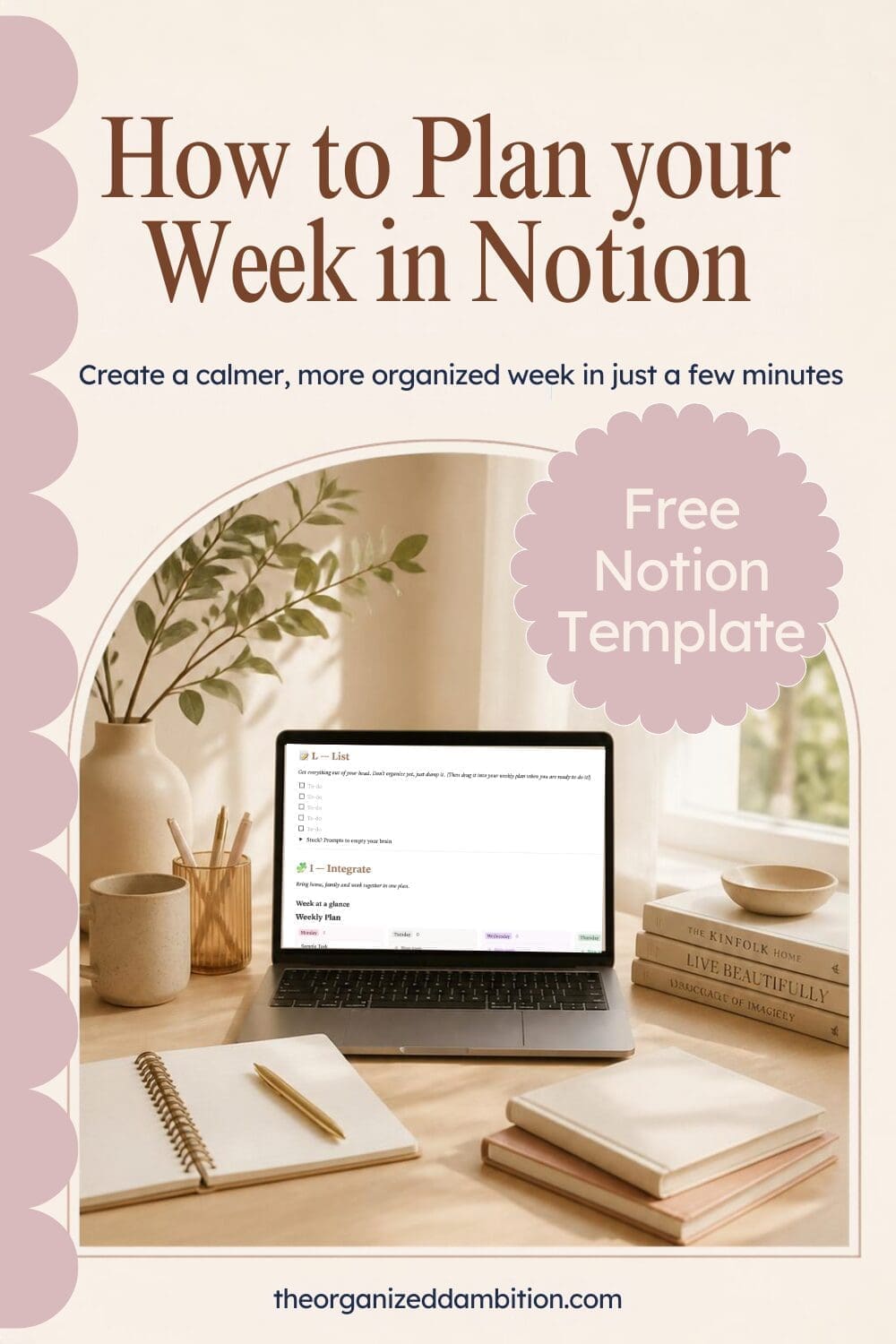
And somehow, by Wednesday, you still feel like you’re running behind.
The problem usually isn’t discipline. It’s that your week lives in too many places. Family schedules in one spot, work tasks in another, and your own goals… somewhere in your head.
In this post, I’ll show you how to plan your week in Notion with one simple page that holds it all: home, work, and the things that matter most to you. It takes about 15 minutes to set up and 20 minutes each Sunday to use.
(Prefer to skip the setup? Grab my free Notion weekly planner template at the bottom of this post.)
Why Notion works so well for weekly planning
Notion isn’t just a to-do app. It’s a flexible workspace, which means you can build a planner that fits your life instead of squeezing your life into someone else’s layout.
For busy moms, that means:
- One place for everything: kids’ activities, work deadlines, meals and personal goals
- Easy to adjust: when plans change (and they will), you drag and drop instead of rewriting
- Works on every device: plan on your laptop Sunday night, check it from your phone at school pickup
- Grows with you: start simple and add habits, goals or business dashboards later
What your Notion weekly planner needs (just 4 parts)
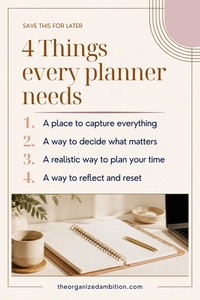
Keep it simple. A weekly planning page only needs four parts:
- Your Top 3: one priority each for Home, Work and You
- A brain dump: a place to empty your head before you plan
- A 7-day view: what’s happening each day, for the whole family
- A quick reflection: what went well and what to let go of
That’s it. Anything more and it becomes one more thing to manage.
How to plan your week in Notion: step by step
Step 1: Create a “This Week” page
In Notion, click + New page in your sidebar and name it This Week. Add an icon you’ll recognize at a glance (🗓️ works great). This becomes your weekly home base.
Step 2: Add your Top 3 priorities
At the top of the page, type /callout to add a highlighted box. Inside, write:
- 🏡 Home:
- 💼 Work:
- 🌿 Me:
Each Sunday, fill in one priority for each. If everything else falls apart this week, these three are what matter most.
Step 3: Add a brain dump list
Below your Top 3, type /to-do to create a checklist and title it Brain Dump. Before you plan anything, write down every task, errand, appointment and worry floating around in your head. You’ll sort it in the next step.
Step 4: Build your 7-day board
This is where the magic happens.
- Type
/database – New database. Name one column “Day” and choose the select property, and add each day of the week plus a “Done” option - Change the layout to Board view and group by “day”
- Move each item from your brain dump to do list into the day it belongs, or delete it if it doesn’t need to happen this week. You can simply drag that task from the to-do list to the day of the week you are completing it, and then drag it over to the done column when its done!
There are many ways to set up a weekly planner, if you are more experienced with Notion check out my Ultimate Mom Brain Planner or the Align Life OS that connects to your Google Calendar/Notion Calendar and you can even time your tasks for more efficiency!
Mom tip: add a property called Who (Me, Partner, Kids, Family) so everyone’s commitments show up in one place, like who’s driving to practice or who’s making dinner. Show the Who property in the board and a nice little label will come up on the task!
Step 5: Add a meal and driving tasks to each day
Dinner and Who’s driving. It’s a small thing that saves a lot of 4 p.m. scrambling.
Step 6: End with a quick reflection
At the bottom of the page, add three prompts:
- What went well this week?
- What can I let go of?
- What am I grateful for?
Fill these out at the end of the week, right before your next Sunday reset. Over time, they show you patterns: what drains you, what gives you energy, and where your time is really going.
How to use it during the week (5 minutes a day)
Your Notion weekly planner only works if you look at it. Here’s a simple rhythm:
- Sunday (20 minutes): do your full weekly reset. Clear the old week, brain dump, choose your Top 3, and fill in the board. (New to this? Here’s my 20-Minute Sunday Reset Routine.)
- Each morning (5 minutes): open This Week, look at today’s column, and pick the one thing that has to get done.
- Each evening (2 minutes): drag anything unfinished to tomorrow or back to the brain dump.
3 mistakes to avoid
- Overbuilding your setup. You don’t need 14 databases to plan a week. Start with the four parts above and only add more when you actually need it.
- Planning every hour. Leave white space. Real life with kids needs margin.
- Skipping the Top 3. Without clear priorities, your planner becomes just a longer to-do list. The Top 3 is what makes the week feel intentional.
Want the shortcut? Grab the free template
If you’d rather skip the setup, I’ve built this entire weekly planning system into a ready-to-use Notion template: the ALIGN Weekly Reset. It includes your Top 3, brain dump, 7-day family planner, dinner and driving tracker, and reflection prompts, all in one page you duplicate each week.
👉 Get the free ALIGN Weekly Reset template
And when you’re ready for everything (goals, routines, home and business in one place), take a look at the ALIGN Life OS, my complete Notion system for ambitious women building a life on purpose.
FAQ
Is Notion free for weekly planning?
Yes. Notion’s free plan has everything you need to plan your week, including pages, checklists and board views.
Can I use Notion on my phone?
Yes. The Notion app works on iPhone and Android, so you can check today’s plan anywhere and add to your brain dump on the go.
How long does it take to plan my week in Notion?
About 15 minutes to set up the first time, then around 20 minutes each Sunday to plan and 5 minutes each morning to check in.
Is Notion good for moms who aren’t techy?
Absolutely. If you can make a checklist, you can use this setup. Or start with a template so it’s already built for you.
Your week, organized on purpose
Planning your week isn’t about controlling every minute. It’s about deciding, ahead of time, what matters most, so your days reflect your priorities instead of everyone else’s urgency.
Start with one page. Choose your Top 3. And let the rest fall into place.