Menu

How to Build a Life Operating System in Notion (The ALIGN Method for Busy Moms)
If you’ve ever opened your phone to check one thing and found your life scattered across a notes app, three calendars, a paper planner, a grocery list on the fridge and about forty open tabs, this post is for you. Today I want to show you how to build a life operating system in Notion, one calm place that holds your home, your family, your business and your goals, so your brain doesn’t have to.
I didn’t set out to build a “system.” I set out to stop forgetting things.
I’m a mom of both teenagers and little ones. I run a business. I split my life between Canada and a project in Nicaragua that holds a big piece of my heart. On any given day I’m managing school forms, client work, travel plans, meal plans, ministry details and that one idea I had in the shower that I will not remember by lunchtime.
For years, I tried to hold it all with lists. More lists. Better lists. Prettier lists.
And honestly, the lists weren’t the problem. The problem was that nothing was connected. My goals lived in one place, my tasks in another, my calendar somewhere else, and my brain was doing all the work of tying them together.
That’s what a life operating system fixes.
What Is a Life Operating System?
Your phone has an operating system. It’s the thing running quietly in the background that makes all the apps work together. You don’t think about it, but without it, nothing would talk to anything else.
A life operating system works the same way. It’s one connected home for:
- What matters most (your values, priorities and the season you’re in)
- Everything you need to remember (tasks, appointments, ideas, notes)
- What you’re building (goals and projects, at home and in business)
- How it’s actually going (habits, progress and reflection)
Notion is the perfect place to build one because everything can connect. A task can link to a project. A project can link to a goal. A goal can link back to the thing you said mattered most this season. When it’s all connected, you stop carrying it in your head.
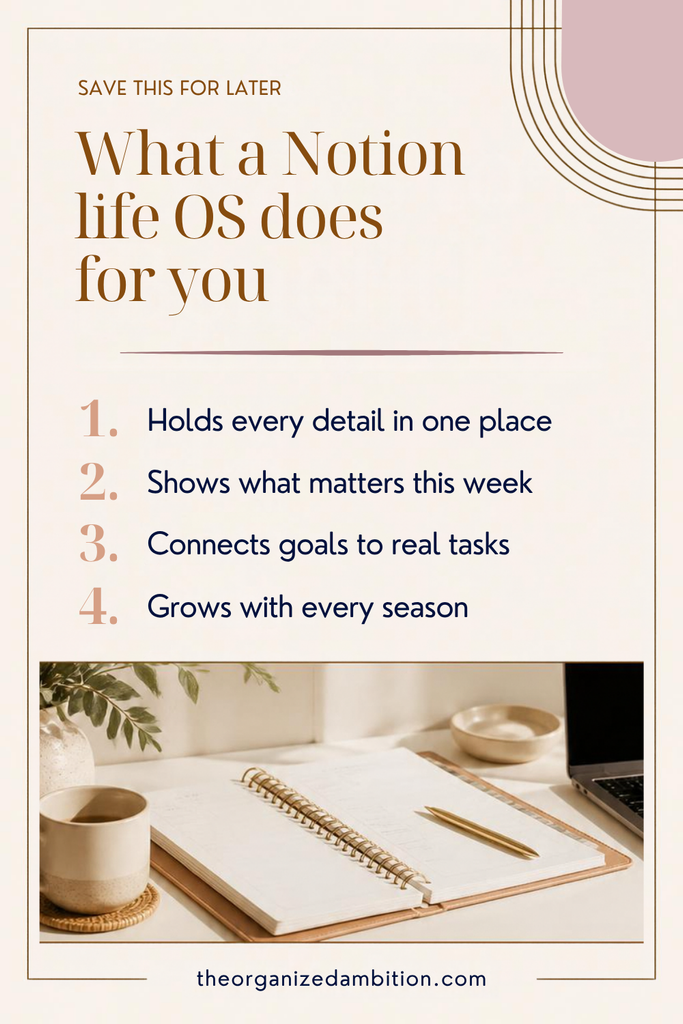
What a Notion Life OS Does for You
Before we get into the how, here’s what changes when your life has one operating system instead of ten scattered tools:
- It holds every detail in one place. Nothing lives only in your head anymore.
- It shows you what matters this week. You stop treating every task like an emergency.
- It connects your goals to real tasks. Big dreams turn into small, doable next steps.
- It grows with every season. New baby, new business, new school year: you adjust the system instead of starting over.
If you’ve been feeling behind even on your productive days, this is usually why. You don’t need to do more. You need a place to put everything.
The ALIGN Method: 5 Steps to Build Your Life Operating System
When I built my own system, I organized it around a simple framework I now teach to every client. I call it ALIGN:
- Anchor what matters
- List everything (and limit the noise)
- Integrate your life into one place
- Guide your focus
- Navigate each season with peace
Here’s how each step works, and how it looks in Notion.
A — Anchor What Matters
Before you plan anything, you pause and ask: Who am I in this season, and what actually matters right now?
This is the step most planners skip, and it’s the reason so many of us end up with a very productive life that doesn’t feel like ours. Anchoring is where you look honestly at each area of your life (home, family, health, faith, work, finances) and decide where your focus belongs for the next few months.
In Notion: a simple Life Areas page with a short note for each area and one or two priorities for this season.
L — List Everything (and Limit the Noise)
Next, you get everything out of your head. The appointments, the to-dos, the “someday” ideas, the worries you keep circling back to at 11 p.m.
Don’t organize yet. Just list it. Once it’s out, you can see what’s truly important and what’s just noise.
In Notion: one inbox or brain dump page where anything can land, any time, from your phone or computer.
I — Integrate Your Life Into One Place
This is where the magic happens. Everything you listed finds its home:
- Tasks are things you need to do
- Projects are things you’re building
- Goals are outcomes you’re moving toward
- Notes are things you want to remember
- Events are things happening at a specific time
Integration isn’t about doing more. It’s about knowing where things belong.
In Notion: connected databases for tasks, projects, goals, notes and events, all linked together so you can see the whole picture from one dashboard. If you want a simple place to start, my post on how to plan your week in Notion walks through a weekly dashboard step by step.
G — Guide Your Focus
Once everything is in one place, your system can start guiding you. Instead of deciding from scratch every morning, you can see what’s due, what’s moving your goals forward and which habits are actually sticking.
I like to say Guide replaces guilt with information. You’re not “behind.” You simply have data about what’s working and what needs adjusting.
In Notion: a Today and This Week view, a short list of key results for your current goals, and a simple habit tracker.
N — Navigate Each Season With Peace
Finally, you reflect. What went well? What felt heavy? What needs to change? This is where small course corrections happen so you don’t drift, and so you can begin again without starting over.
In Notion: a weekly reflection page (this is where your Sunday reset routine lives) plus a deeper review every 12 weeks.
ALIGN Isn’t Something You Finish
Here’s the part I want you to hold onto: ALIGN is a cycle, not a checklist.
Anchor → List → Integrate → Guide → Navigate → and back to Anchor again.
Every week, you’ll touch a little of each step. Every season, you’ll come back to Anchor and ask the big questions again. Some weeks will be beautifully organized. Some weeks will fall apart. That’s normal, and it’s exactly why resetting your planner every Sunday matters so much.
You don’t need a perfect system. You need one you can return to.
How to Start Building Your Life OS This Week
You don’t have to build the whole thing in a weekend. In fact, please don’t. Start with one step at a time:
- Week 1: Anchor. Write down your life areas and one priority for each.
- Week 2: List and Integrate. Do a full brain dump, then sort it into tasks and notes.
- Week 3: Guide. Add a Today view and pick two habits to track.
- Week 4: Navigate. Add a weekly reflection and use it every Sunday.
By the end of the month, you’ll have a life operating system that actually fits your life, not someone else’s.
Want the Whole System Built for You?
If you’d rather skip the building and start living in it, the ALIGN Life Operating System is the exact Notion system I use. It’s built around this framework, with every step set up and connected for you: life areas, brain dump, tasks, projects, goals, habits, weekly resets and 12-week cycles, all in one calm place.
Not ready for the full system? Start with my free 20-Minute Weekly Reset Planner and take the first step this Sunday.